Poke Alerts Walmart Queue Decoder

Don't miss the Walmart drop.

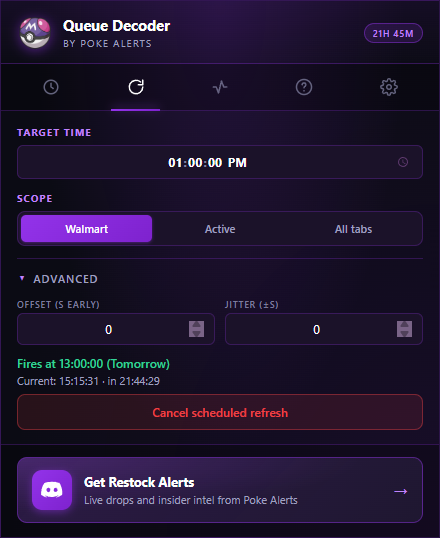
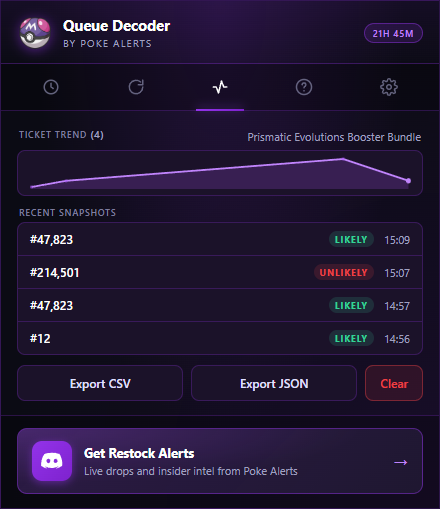
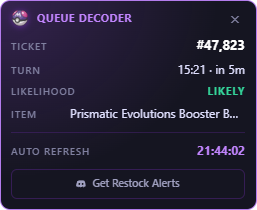
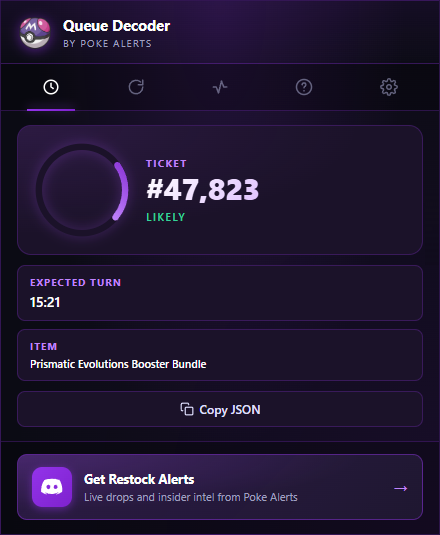
Chrome extension that reads your Walmart queue ticket (number, turn time, likelihood) and reloads the page at the time you set, with optional early-offset and jitter.

Chrome 114+ · 144 KB · free · no account

Install guide

Chrome doesn't sell this extension on the Web Store yet, so we install it manually. Takes two minutes.

  1. 1
    Download the zip
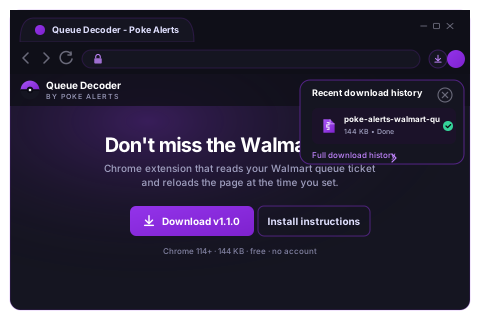
    Click the button below. Your browser saves poke-alerts-walmart-queue-v1.1.0.zip to your Downloads folder.
    Download zip
    Download completion toast
  2. 2
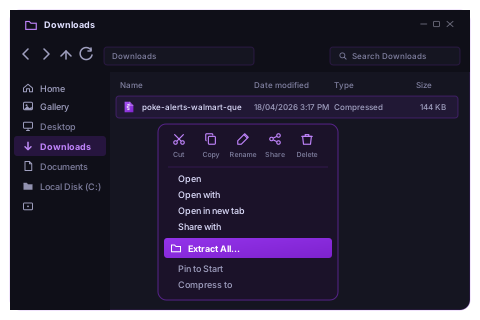
    Right-click the zip and choose Extract all
    In your Downloads folder, right-click poke-alerts-walmart-queue-v1.1.0.zip and pick Extract All…

    macOS: double-click the zip and it auto-extracts.
    Linux: unzip poke-alerts-walmart-queue-v1.1.0.zip.
    Windows right-click menu with Extract All highlighted
  3. 3
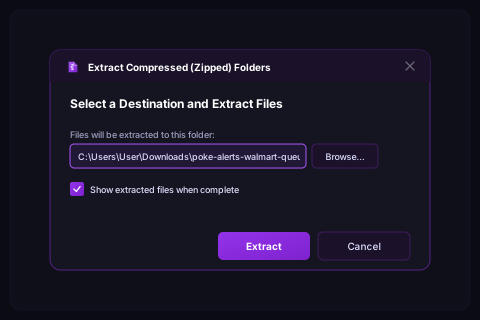
    Confirm the extract destination
    Click Extract. You'll end up with a folder named poke-alerts-walmart-queue-v1.1.0 - keep it somewhere you won't delete by accident (e.g. Documents).
    Extract dialog showing destination path
  4. 4
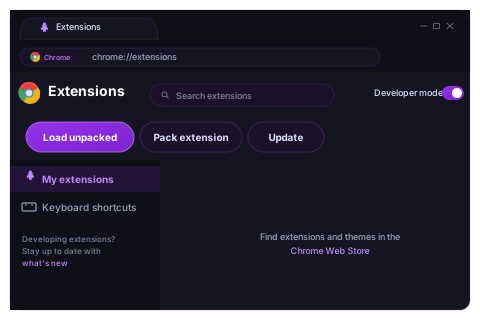
    Open Chrome's extensions page
    Paste this into the Chrome address bar and press Enter: chrome://extensions Toggle Developer mode on (top-right). Then click Load unpacked.
    Extensions page with Developer mode enabled
  5. 5
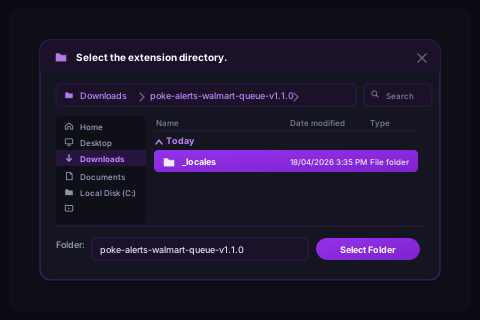
    Select the extracted folder
    Navigate to the poke-alerts-walmart-queue-v1.1.0 folder you just extracted, select it, and click Select Folder.
    File picker showing the extracted folder
  6. 6
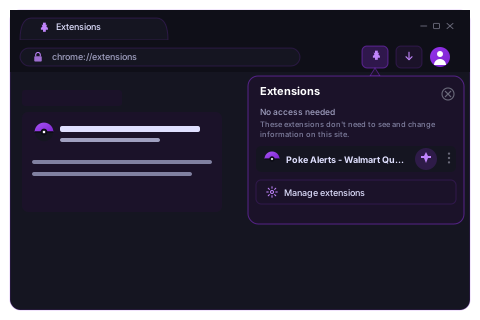
    Pin the extension
    Click the puzzle-piece icon in your Chrome toolbar, find Poke Alerts - Walmart Queue Decoder, and click the pin icon next to it. The pokeball will live in your toolbar.
    Chrome extensions popover with pin icon
  7. 7
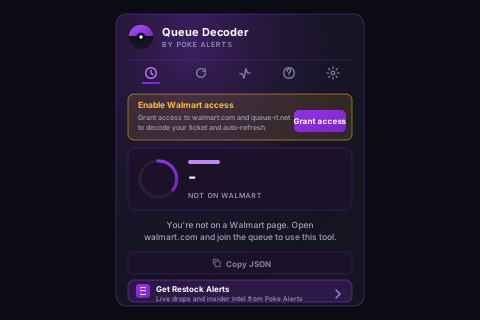
    Open the popup and grant access
    Click the pokeball. On the Queue tab you'll see an Enable Walmart access card. Click Grant access.
    Popup showing the Grant access card
  8. 8
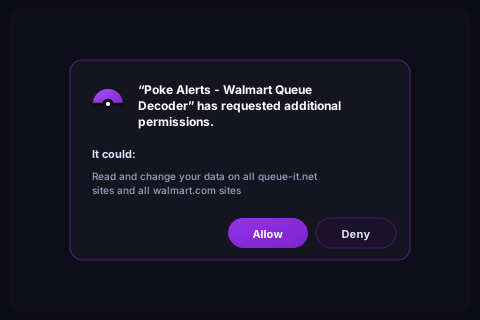
    Approve the permission prompt
    Chrome asks for permission to read walmart.com and queue-it.net. Click Allow. That's it - you're set.
    Chrome permission prompt for walmart.com and queue-it.net
Updating later? Download the new zip, unzip it, and on chrome://extensions click the reload icon on the Queue Decoder card (or re-Load unpacked if you replaced the folder).
Get restock alerts before the crowd.
Poke Alerts Discord posts live drops, restocks, and queue intel.
Join Discord